 ×
×
Branded Product Mockups
inside your WordPress admin.
Install the plugin, enter a license key, pick a supplier, place your logo, and publish branded variable products to your WooCommerce store in minutes.
One license per WooCommerce site. Unlimited products. Renew yearly.
On Shopify instead? See the Shopify app →
Integrated with top promotional suppliers




 + many others
One catalog used to take all day.
If you've ever taken a SanMar or PCNA catalog and put a customer's logo on every product, you know the drill. Pull up the product. Download every color variant. Download every view (front, back, sides). Open Photoshop. Place the logo on every single variant. Save everything out. Then go into WooCommerce and wire up all the images to the right variant colors. Rinse and repeat for every product. Every customer. Hundreds of products.
LogoMagic automates all of that.
A full day per catalog
- Pull up each product on the supplier site
- Download every color variant (10–40 per product)
- Download every view (front, back, sleeves)
- Open Photoshop, place the logo on each variant
- Save every mockup out manually
- Re-enter product data in your store
- Wire every image to the right color variant
- Repeat for every product. Every customer.

Minutes per catalog
- Connect a supplier once. Full catalog available instantly
- Pick a product. All variants, pricing, images loaded
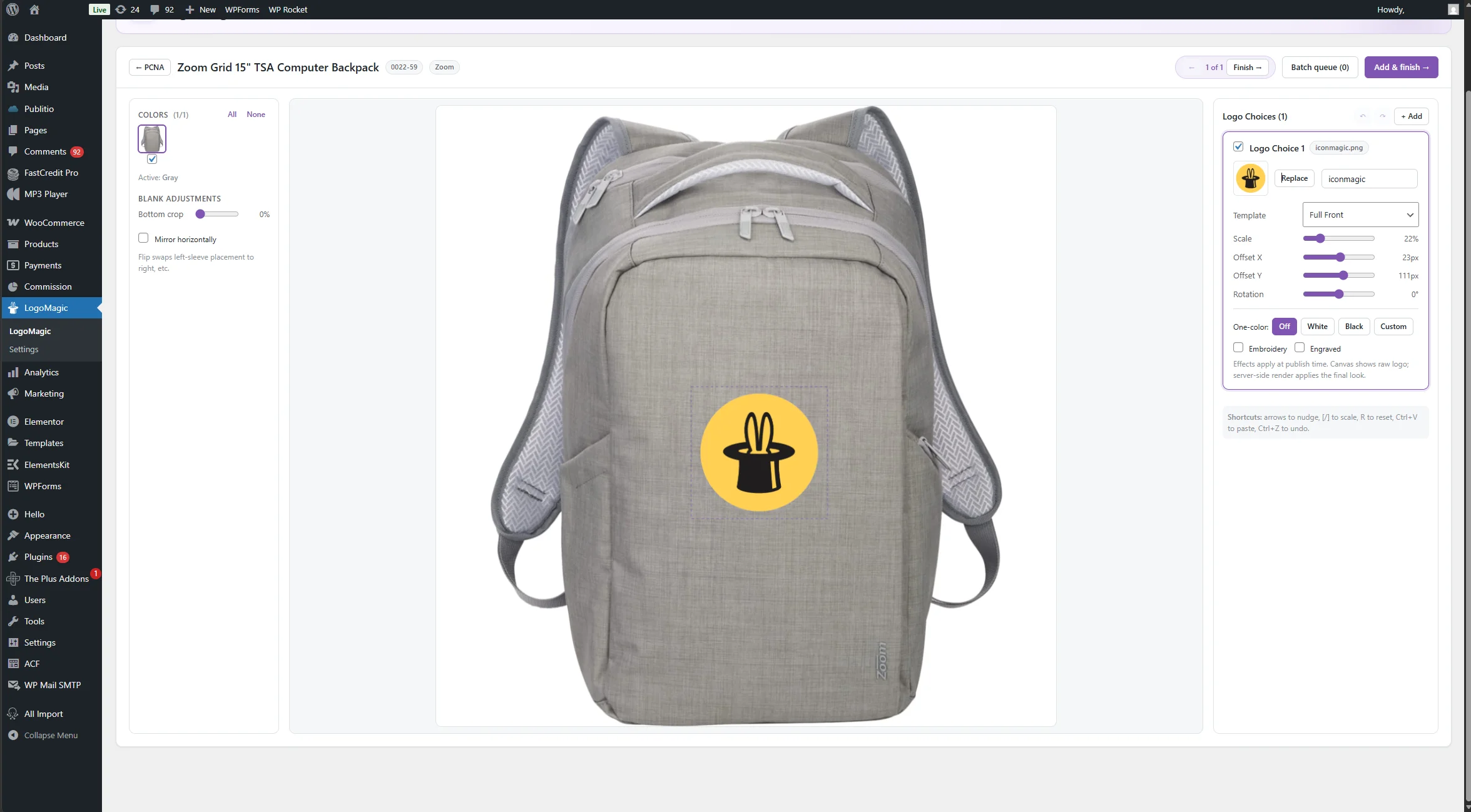
- Drop your logo on the mockup once
- LogoMagic places it across all 40+ color variants automatically
- Preview every color in real time before publishing
- One click publishes the full variable product to WooCommerce
- Images are already tied to the right color variants
- No Photoshop. No manual wiring. No re-entering data.
How It Works
Three simple steps from plugin install to WooCommerce storefront. The plugin handles the product images, variants, and pricing.
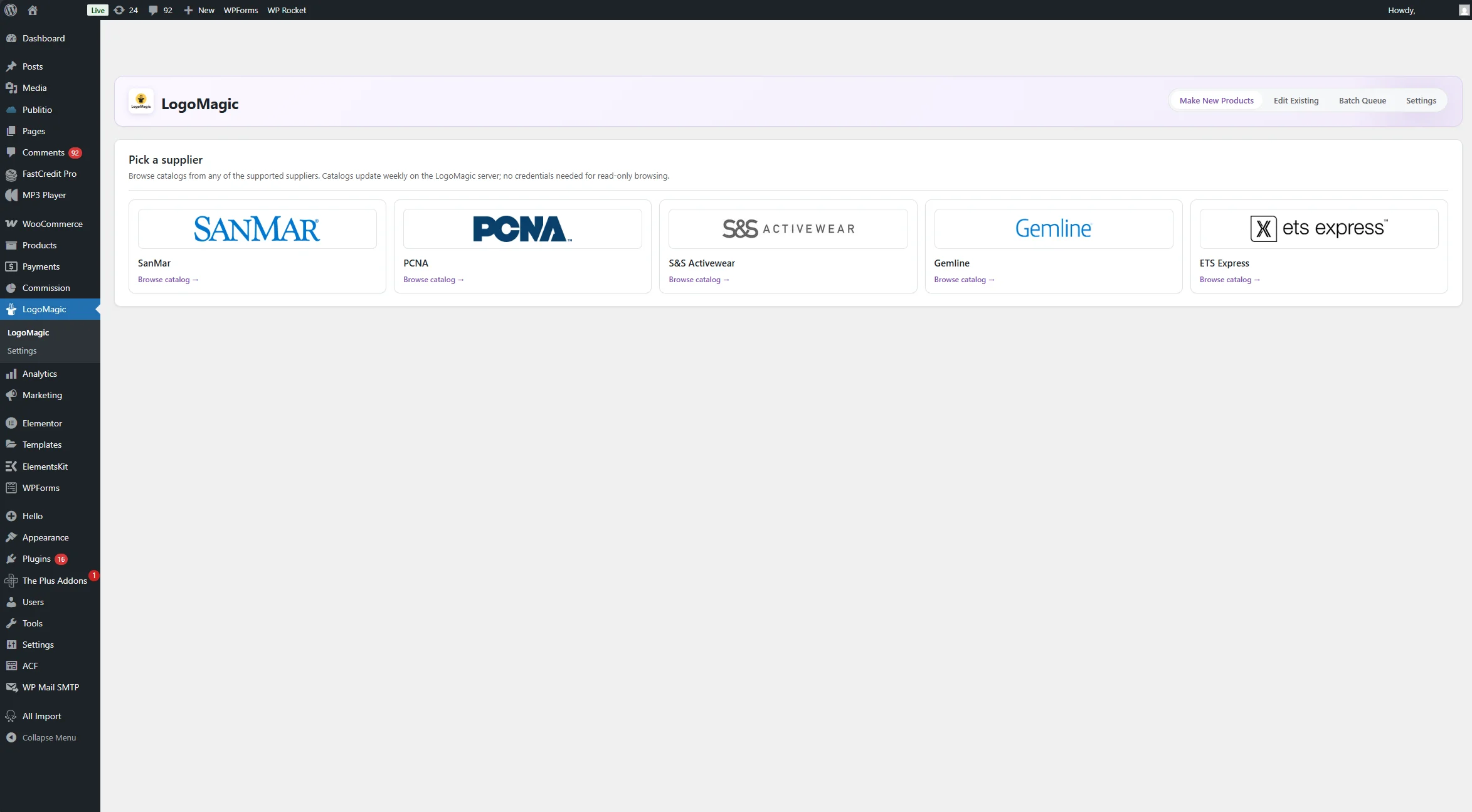
Install the Plugin & Enter Your License
Upload logomagic-plugin.zip via Plugins → Add New in WP admin. Activate, then paste the license key we emailed you after purchase. 60 seconds from download to active.
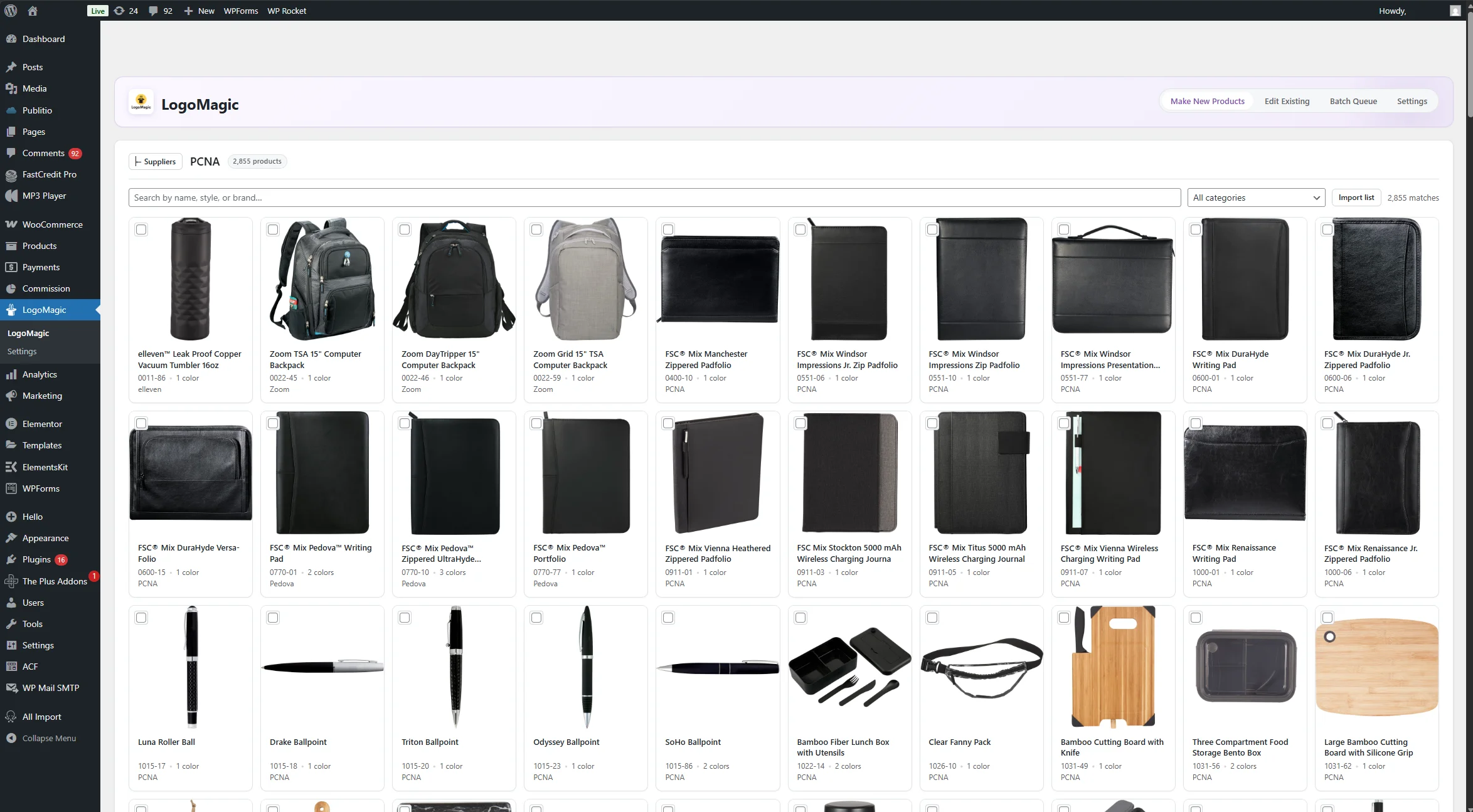
Pick a Supplier & Place Your Logo
Browse any of the preloaded supplier catalogs right inside WP admin. Use the visual editor to drag, resize, and rotate your logo on the product mockup. Real-time preview across every color.
Publish to Your WooCommerce Store
Click Publish. The plugin creates a proper variable product with Color, Size, and Logo Choice variants plus per-variation images. Ready to sell from your WooCommerce storefront.
Everything you need
Everything the plugin creates uses native WooCommerce shapes. Variable products, local attributes, standard meta keys. No custom post types or weird schemas.
Native WP Admin
Adds a LogoMagic menu to your WP admin sidebar. Full design workspace inside WordPress. No external site, no login, no context switching.
Variable WC Products
Creates proper variable products with Color, Size, and Logo Choice attributes. One variation per combination with its own image and SKU.
Automatic Pricing
Set markup multiplier and flat fee per supplier. Prices apply on publish. Supports .99 / .95 / whole-dollar ending rules.
Cost of Goods Tracking
Supplier cost written to variation meta (_cogs + _cogs_value). Works with WC 9.6+ first-class COGS and older conventions.
Saved Logos Library
Upload logos once, reuse across every product. Up to 50 logos stored with effect presets (white, black, custom color, embroidery).
Edit Existing Products
Search your WC catalog, find LogoMagic-published products by their meta marker, re-open them in the workspace to rebrand or restyle.
Pairs perfectly with LogoMagic Desktop
Buy the Desktop app ($49 one-time) alongside your WooCommerce plugin license to design mockups on your computer and publish directly to your WooCommerce site. The desktop connects to the plugin via WordPress Application Password.
Running multiple WooCommerce sites? Each site needs its own $49/year license. The desktop app remembers every site you've connected.
Learn about LogoMagic Desktop →Plugin requirements
- WordPress: 6.2 or later.
- WooCommerce: any recent version (tested on WC 8.x+).
- PHP: 7.4 or later.
- License: $49/year per WooCommerce site. Unlimited products.
- Internet: required on publish (compositing runs server-side).
Activate LogoMagic on your WooCommerce site
$49/year per site. Unlimited products. Cancel anytime.